
Tiers & vlLTP
The size of your LISTA allocation is set by a Listapie tier. Higher tiers hold more LISTA in your vault, so they reach a higher Lista holder tier and a larger boost cap, but they require you to lock LTP as vlLTP as skin in the game.
The tier table#
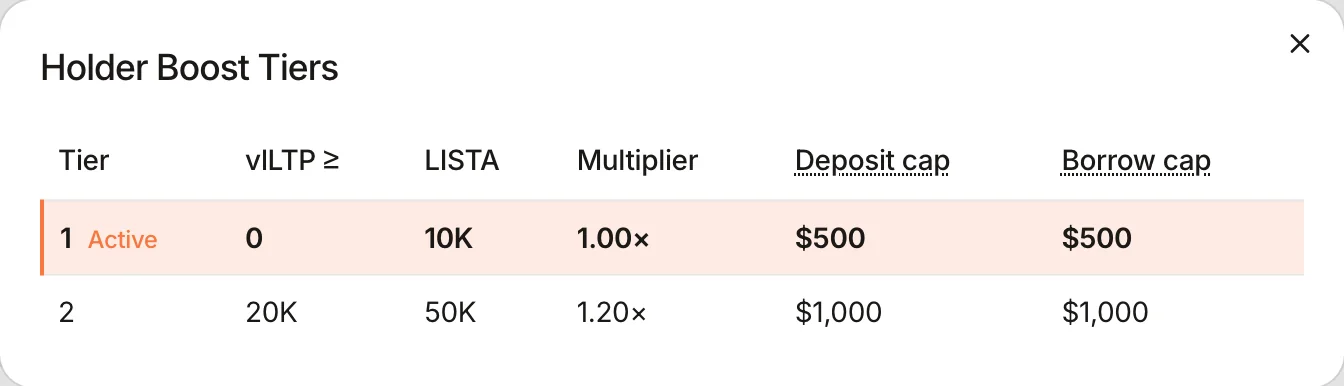
| Tier | vlLTP in your wallet | LISTA lent to your vault | Boost caps it reaches |
|---|---|---|---|
| Tier 1 | 0 | 10,000 | $500 supply / $500 borrow |
| Tier 2 | ≥ 20,000 | 50,000 | $1,000 supply / $1,000 borrow |
These are the current values of the treasury’s on-chain tier table; governance can retune them, and the Dashboard’s Holder Boost Tiers card always renders the live table.
Whose vlLTP counts#
- The vlLTP balance of the vault owner’s wallet, read at the moment an allocation changes or a reward is claimed.
- The threshold itself qualifies: 20,000.00 vlLTP is Tier 2; 19,999.99 is Tier 1.
- vlLTP in its 30-day unlock cooldown still counts until you claim it or force-unlock; only then does your tier drop.
With more than one vault#
Every vault gets Tier 1. For Tier 2, each vault needs its own 20,000 vlLTP, counted in vault order: your main vault needs 20,000, your second vault 40,000 in total, your third 60,000.
- Vault 1 (main): needs 20,000
- Tier 2 · 50,000 LISTA
- Vault 2: needs 40,000
- Tier 2 · 50,000 LISTA
- Vault 3: needs 60,000
- Tier 1 · 10,000 LISTA
- Lent across your vaults
- 110,000 LISTA
If your vlLTP drops, the highest-numbered vault loses Tier 2 first. Each vault still upgrades with its own Request Tier 2 LISTA, and the Dashboard’s tier table shows the thresholds for the vault you have selected. See Multiple vaults.
On the Dashboard#
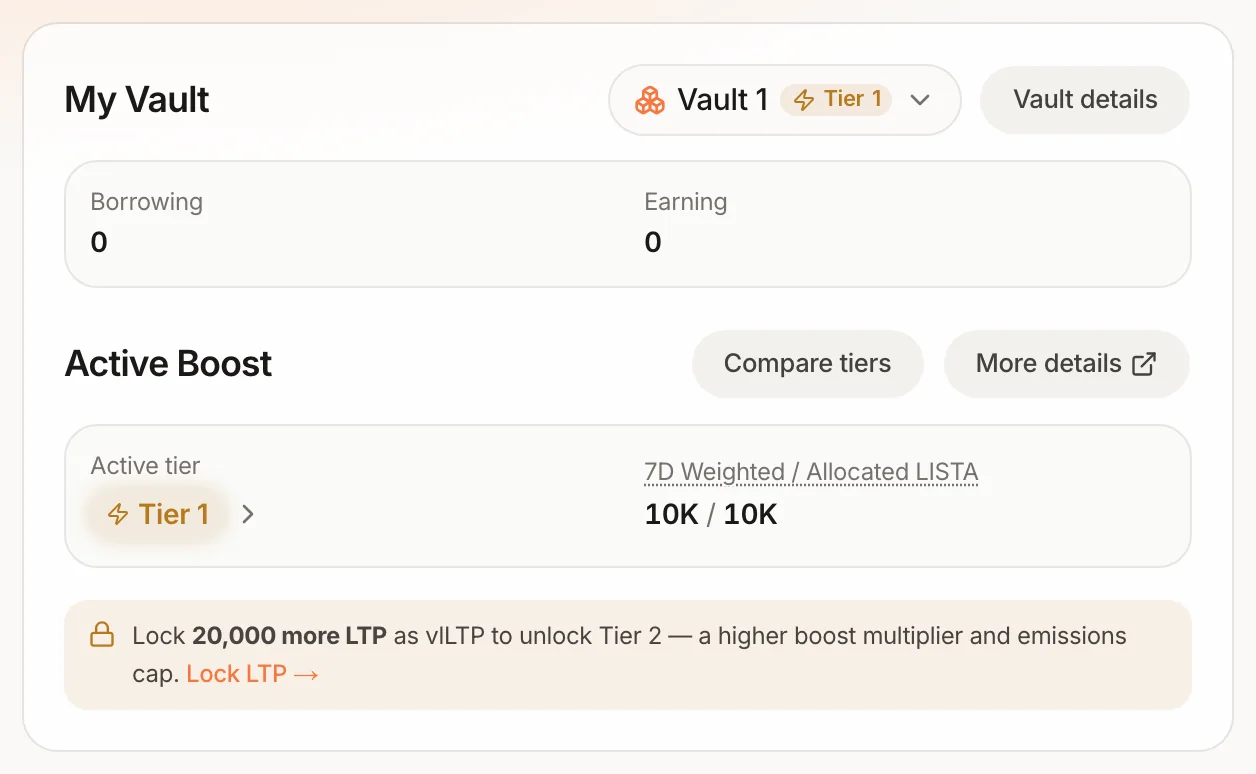
The Dashboard prompts the next step for the selected vault:
- Activate your LISTA boost banner with Request Tier 1 LISTA: only if your vault started empty (treasury was short).
- Lock X more LTP in the Active Boost box: you are funded at Tier 1 and short of the vlLTP threshold. Lock LTP → takes you to the Stake page.
- Upgrade to Tier 2 banner with Request Tier 2 LISTA: you hold enough vlLTP; one transaction adds 40,000 LISTA.
- A banner saying the protocol’s allocation is currently full means the treasury can’t fund the next step right now.

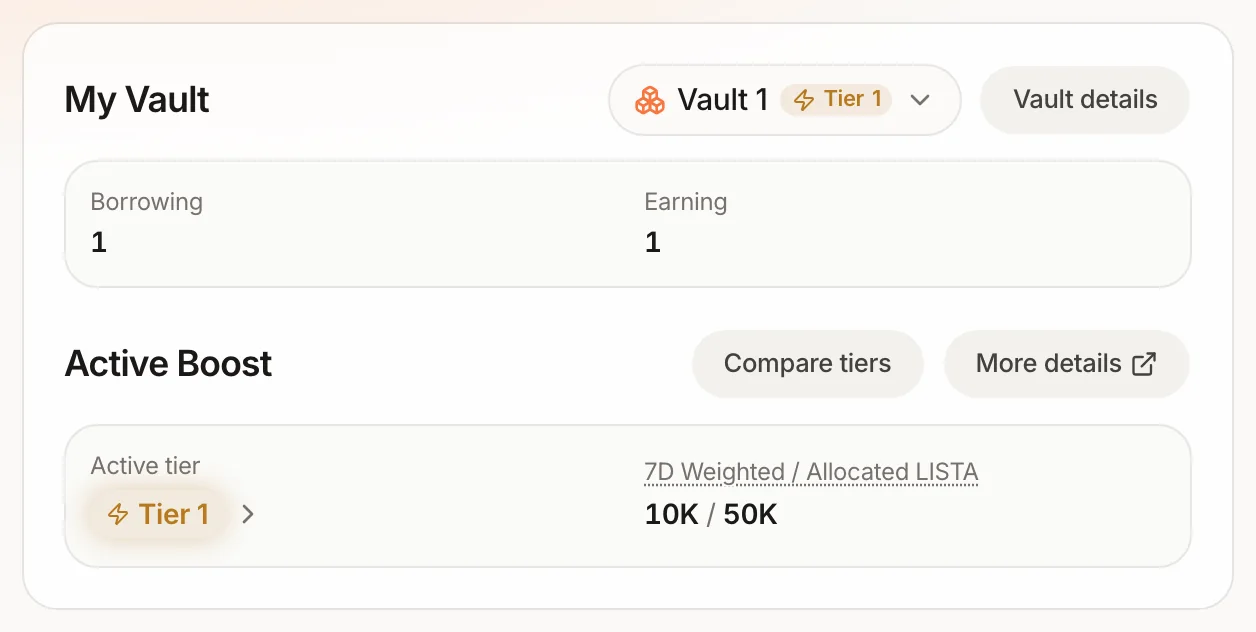
Compare tiers on the Active Boost box opens the live tier table: